Custom Route Creation in Journey Management
Overview
The Custom Route Creation feature within the Journey Management module enables users to define and manage routes that are not available through standard mapping services. This capability is specifically designed for operations in off-road and non-mapped environments, such as oil rigs, mining zones, construction sites, and remote areas.
By allowing users to create routes based on actual operational paths, the platform ensures more accurate journey planning, monitoring, and reporting.
Objectives
This feature is introduced to:
- Enable route planning in off-grid or unmapped locations
- Improve accuracy of distance and ETA calculations
- Provide greater operational control in complex terrains
- Reduce dependency on third-party mapping limitations
- Enhance visibility and tracking of field operations
Key Use Cases
1. Off-Road Operations
- Oil & gas rigs
- Mining and excavation sites
- Desert or rural field operations
2. Remote Locations
- Areas without defined road infrastructure
- Temporary or evolving routes (e.g., construction access roads)
3. Specialized Logistics
- Internal facility routes (e.g., large industrial plants)
- Custom delivery or service paths
Key Features
1. User-Defined Route Creation
- Users can manually create routes by plotting paths directly on the map
- Routes reflect actual operational movement, not predefined roads
2. Editable Route Paths
- Existing routes can be modified as conditions change
- Supports dynamic environments where paths frequently evolve
3. Custom ETA Configuration
- Users can define Estimated Time of Arrival (ETA) based on real-world conditions
- Accounts for terrain, vehicle type, and operational constraints
4. Distance Calculation
- Distance is automatically calculated based on the custom-defined route path
- Provides more accurate metrics compared to standard map-based estimations
5. Integration with Journey Management
- Fully integrated into the Journey Management workflow
- Supports planning, execution, and monitoring of trips using custom routes
User Workflow
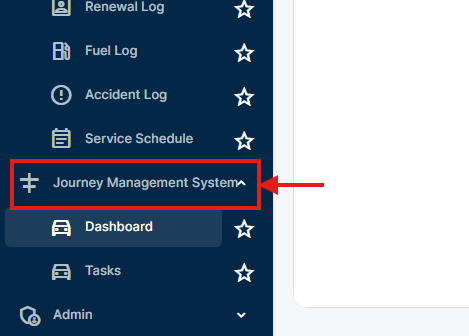
- Navigate to Journey Management Module
-
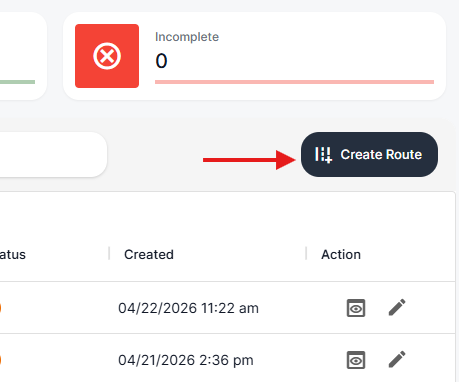
- Select Create Route
-
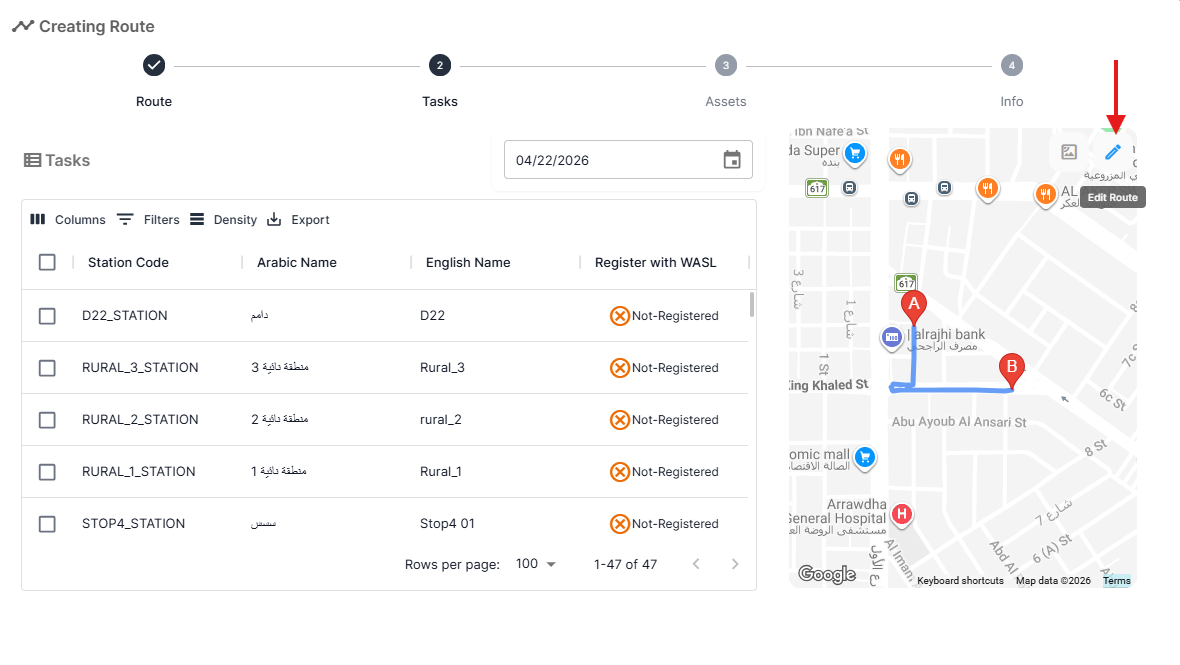
- Fill the required information and choose Edit Route
-
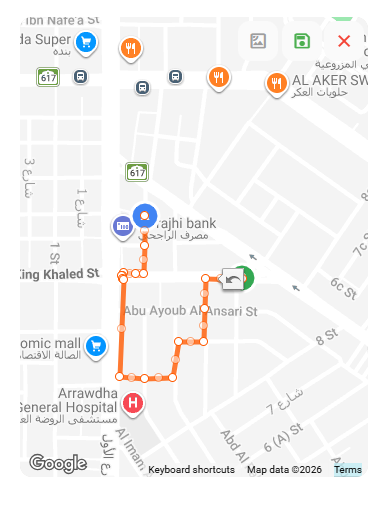
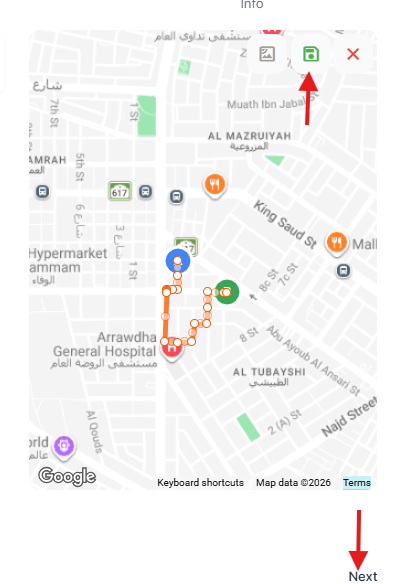
- The plotted route will be converted into editable polyline, drag the points and plot the required custom route
-
- Save the route and go the next page
-
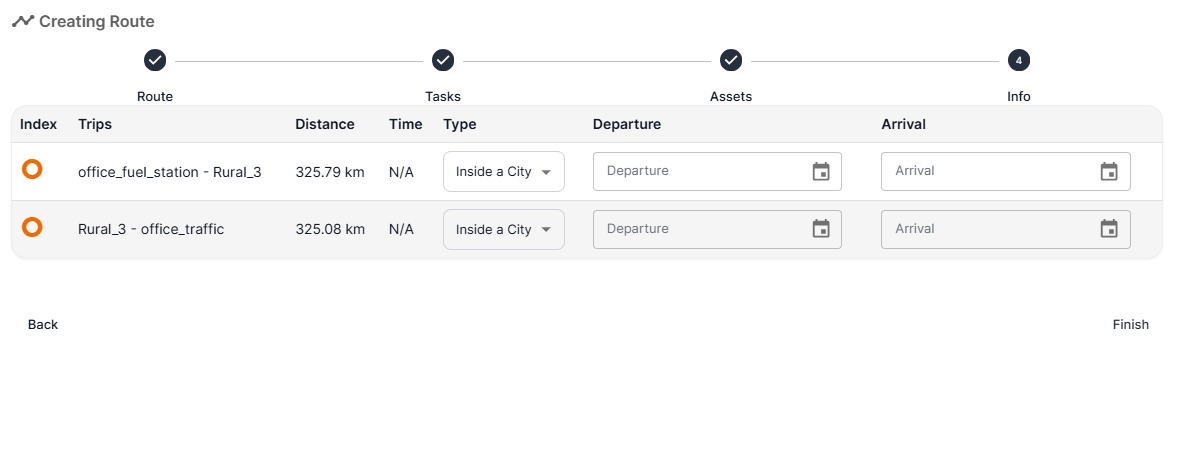
- Define or adjust ETA values as required after selecting the vehicle and the drivers
-
- Save the route